Best AI Receptionists for Service Businesses
Compare AI receptionists by whether they book straight into your calendar, what's included, and what they cost, so you can pick the one that fits your business.
Compare six AI receptionists on price, in-call booking, integrations and handoff, plus the questions to ask before you switch.



Key takeaways
- The best AI receptionist is the one that books into the calendar you already use while the client is still on the line, not one that texts a link.
- Compare minutes included, the overage rate and any setup fee, because per-minute pricing grows with your busiest weeks.
- If you're on GlossGenius, Reception is a $50 monthly add-on that reads your calendar, services and policies directly, with no integration to set up.
- Run one test before you sign: call after close, ask for a time that's taken, and check what lands on your calendar.
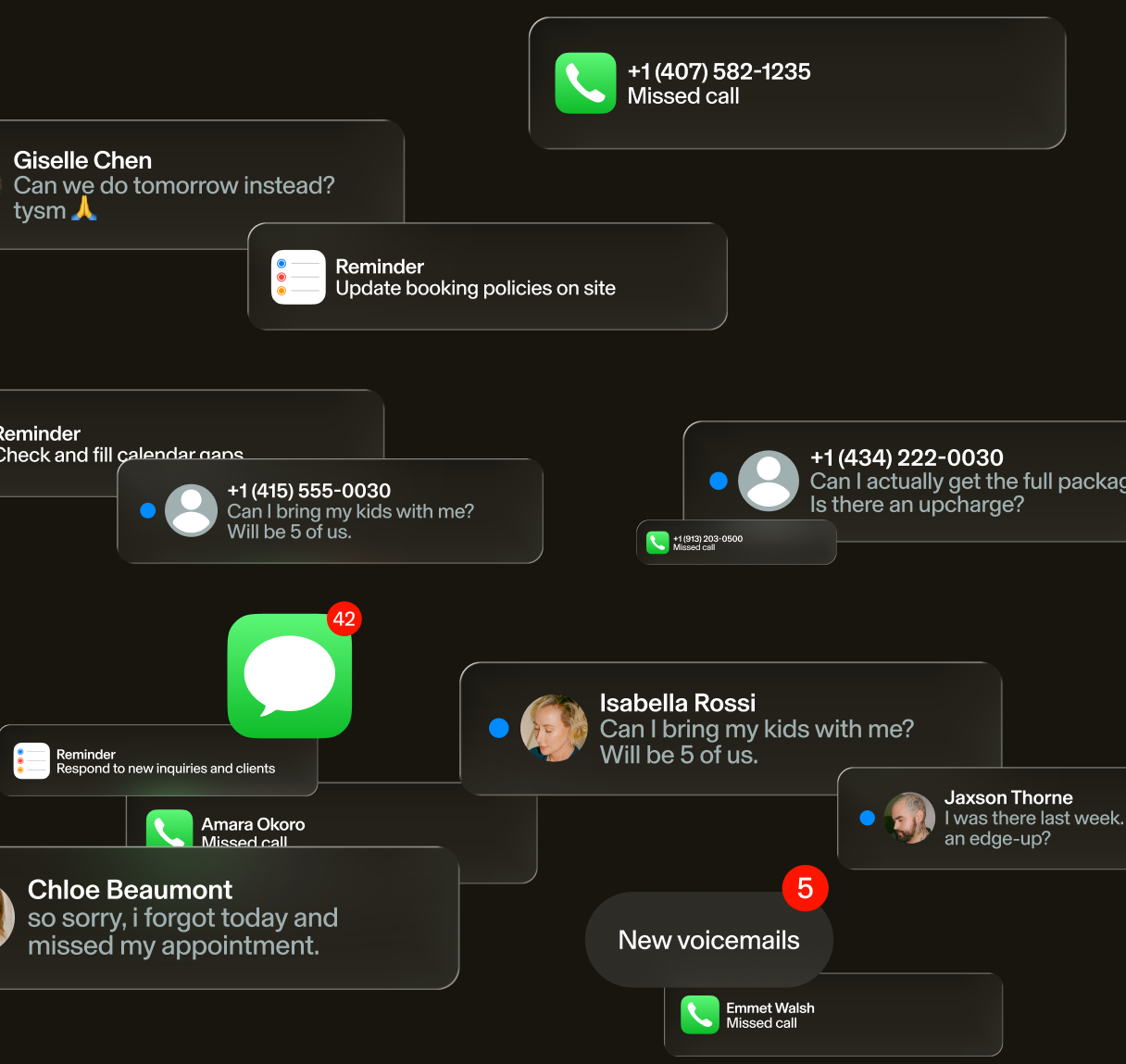
You've decided the phone can't keep going to voicemail. Now there are a dozen tools that all promise 24/7 answering. Most can pick up a call. Fewer can book it onto your real calendar while the client is still talking, and that's the part that pays.
We compared six AI receptionists on what they cost, whether they book during the call, and what booking software they work with, based on pricing listed in October 2026. Reception is our product, built into GlossGenius, so we'll say where another tool fits better. New to the idea? Start with how an AI receptionist works and what it can do for your business.
The 6 best AI receptionists in 2026
Every tool here answers calls around the clock. What changes from one to the next is where your calendar lives, how you're charged, and how much setup you're signing up for.
1. Reception, built into GlossGenius
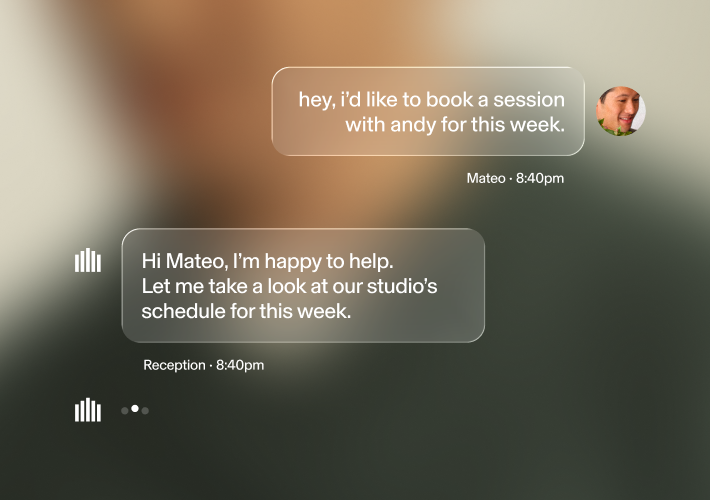
Reception is the AI receptionist inside GlossGenius. It answers calls and texts 24/7 and books straight onto your GlossGenius calendar. Because it lives in the same system, it already knows your services and pricing, your team and your calendar, so there's nothing to connect or re-enter.
- Books, reschedules and cancels during the call or text
- Explains your services and pricing
- Follows your deposit, card-on-file and cancellation policies
- Offers the next opening, another team member, or your waitlist when a time is taken
- Looks for open times across your locations when a client is flexible
Businesses that hand the most work to Reception see 35% more calls answered and 15% more revenue per month (GlossGenius Study).
Pricing: a $50 monthly add-on to your GlossGenius plan.
Best for: businesses that run on GlossGenius or are ready to move to it. If you're staying on other booking software, one of the standalone tools below is the better fit.
[CTA_MODULE]
2. CloudTalk
CloudTalk is a business phone system with an AI voice agent add-on. Along with booking, it routes callers to the right person or team and logs calls to your CRM.
- AI voice agent that answers 24/7 and books appointments through a Google or Outlook calendar
- Routes callers to the right person or team
- Call transcripts and sentiment analysis
- Connections to Salesforce, HubSpot, Zendesk and 100+ other tools
Pricing: the AI voice agent add-on starts at $99 a month for 200 minutes, and CloudTalk lists 50 free minutes to try it.
Best for: teams that want a business phone system and an AI receptionist from one vendor. Booking runs through a calendar connection, so check that yours is supported.
3. Zenoti
Zenoti's AI Receptionist books end to end inside Zenoti. It handles single or multiple services and a client's preferred team member, upsells add-ons, and makes confirmation calls. When a client calls to cancel, it offers a reschedule first. It hands the call to a person on request, and its SmartBot texts back missed calls.
Pricing: sold as a paid add-on to the Zenoti platform, with pricing by quote only.
Best for: larger, multi-location businesses already on Zenoti. It isn't available on its own.
4. Qlient.ai
Qlient.ai is a voice AI receptionist that books, reschedules and cancels appointments. It records and summarizes calls, and it passes harder questions to a person with the call history attached.
Pricing: not published on its site, which points new customers to a scheduled call.
Best for: businesses on Meevo, Mindbody or Zenoti, among the systems it lists.
5. BookingBee.ai
BookingBee.ai connects to your existing booking software and phone line and imports your services, team members and prices. It also sends reminders, reaches out to lapsed clients, and passes calls that need a person to your team.
Pricing: plans start at $99 a month per location for up to eight team members, with higher tiers for larger teams. Its pricing page also mentions a one-time implementation fee, so confirm what applies to your plan.
Best for: teams that want reminders and win-back messages handled by the same tool that answers the phone.
6. AgentZap
AgentZap serves service businesses across dozens of industries. It answers with your business name and a greeting you set, then books appointments in your connected calendar. It answers in English and Spanish and can set custom greetings and routing for each location.
Pricing: $109 a month for 150 minutes, then $0.85 per minute, plus a $499 one-time training and setup fee.
Best for: businesses on booking software that has no AI receptionist of its own. It lists 244+ integrations, including Vagaro and Mindbody.
[CTA_MODULE]
How to choose your AI front desk system
A demo makes every voice sound good. What separates these tools is what happens after a caller asks, "Do you have anything Saturday?" So put the same questions to every vendor:
- Does it book during the call, or only take a message or text a link?
- Does it read your booking system directly, or through an integration someone has to set up and maintain?
- Does it know each service's length and price, and each team member's schedule?
- Does it follow your deposit, card-on-file and cancellation policies?
- Can it reschedule and cancel, or only book?
- When a call needs a person, how does the handoff work, and does your team get what the caller already said?
- Can each location have its own hours, services and phone number?
- Does it answer in the languages your clients speak?
- Is it priced flat, per minute or per call, and what do overages and setup cost?
Then price your busiest month, not your average one. Say a tool costs $100 a month with 150 minutes included and $0.80 per extra minute. A 300-minute month costs $100 + (150 × $0.80) = $220 (illustrative inputs, not a quote). Add any setup fee, and run it for each location.
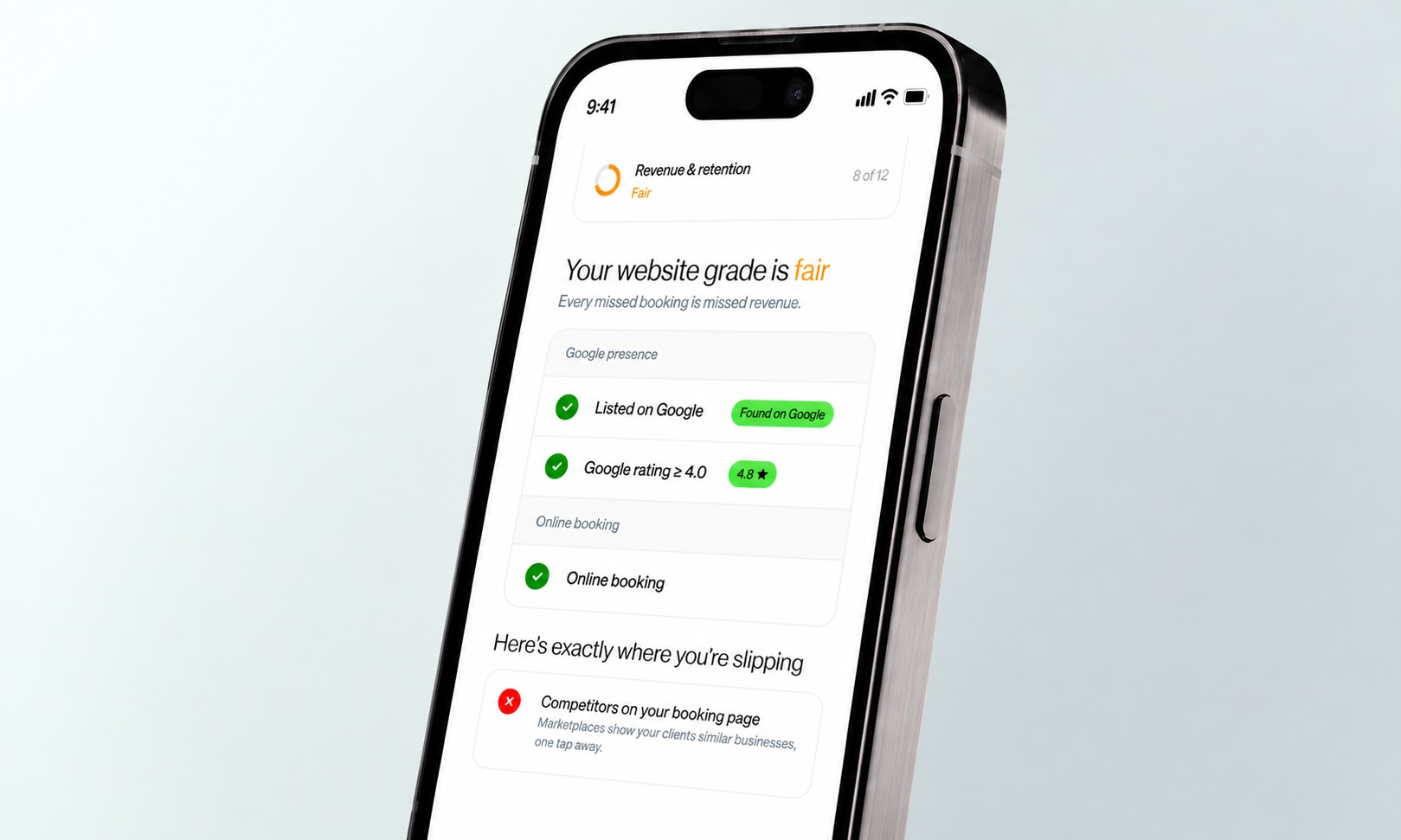
Weigh that against what a booked appointment is worth to you. The free revenue and fee calculator shows what your current system already costs in subscriptions, processing and add-ons. And if you're not sure how many clients find you after hours, the Business Health Grader checks how easy you are to find and book online.
Before you sign anything, call the tool after close the way a client would. Ask for a time that's already taken, then check what lands on your calendar.
Frequently asked questions
Which AI receptionist is best for a small business?
For a small business, the best AI receptionist books straight into the calendar you already use, during the call. It also has to make sense at the price of your busiest month. If your booking software has one built in, start there. If not, pick a standalone tool that lists your software as an integration, and test it after close before you commit.
How much does an AI receptionist cost?
Listed prices in October 2026 start around $50 to $110 a month, depending on whether the plan is a flat add-on, a block of minutes or priced by location. Per-minute overages and one-time setup fees are common, so ask for both. A few tools offer free minutes or a trial, so check whether the free version books or only takes messages.
Does an AI receptionist book directly into my calendar?
An AI receptionist books directly into your calendar only when it can read and write to your booking system during the call. Built-in tools do that natively. Standalone tools need an integration with your software, so confirm yours is on the list. Some tools sold as AI receptionists only text a booking link and leave the client to finish.
Is an AI receptionist HIPAA compliant?
If your business handles health information, ask whether the vendor will sign a business associate agreement (BAA) and exactly what it covers. CloudTalk, for example, says it can sign a BAA covering calls, recordings and transcripts, with the exact scope set in your agreement. A HIPAA claim on a website isn't the same as a signed BAA, so get it in writing and check with your own advisor.
How do I switch AI receptionists?
Switching is mostly a phone setting, because many AI receptionists work by forwarding your existing business number. Set up the new tool first and test it after close. Then point your forwarding to it, watch a week of calls, and cancel the old plan. Check your current contract for a notice period or minimum term first.
Is GlossGenius's AI receptionist included in my plan?
Reception, GlossGenius's AI receptionist, is a $50 monthly add-on to your GlossGenius plan. It works from the calendar, services, pricing and team you already have in GlossGenius, with no separate integration.
When the phone is the last thing still going to voicemail, start with a tool that books. Reception, built into GlossGenius, answers every call and text and books the appointment before the client looks elsewhere. Whether you lead a team or you're an individual business owner, you can book a demo to hear it answer a call, or start a free trial.
.png)
Join Our Genius Newsletter
Get the latest articles, inspiring how-to’s, and educational workbooks delivered to your inbox.
Best AI Receptionists for Service Businesses
Compare AI receptionists by whether they book straight into your calendar, what's included, and what they cost, so you can pick the one that fits your business.
Key takeaways
- The best AI receptionist is the one that books into the calendar you already use while the client is still on the line, not one that texts a link.
- Compare minutes included, the overage rate and any setup fee, because per-minute pricing grows with your busiest weeks.
- If you're on GlossGenius, Reception is a $50 monthly add-on that reads your calendar, services and policies directly, with no integration to set up.
- Run one test before you sign: call after close, ask for a time that's taken, and check what lands on your calendar.
You've decided the phone can't keep going to voicemail. Now there are a dozen tools that all promise 24/7 answering. Most can pick up a call. Fewer can book it onto your real calendar while the client is still talking, and that's the part that pays.
We compared six AI receptionists on what they cost, whether they book during the call, and what booking software they work with, based on pricing listed in October 2026. Reception is our product, built into GlossGenius, so we'll say where another tool fits better. New to the idea? Start with how an AI receptionist works and what it can do for your business.
The 6 best AI receptionists in 2026
Every tool here answers calls around the clock. What changes from one to the next is where your calendar lives, how you're charged, and how much setup you're signing up for.
1. Reception, built into GlossGenius
Reception is the AI receptionist inside GlossGenius. It answers calls and texts 24/7 and books straight onto your GlossGenius calendar. Because it lives in the same system, it already knows your services and pricing, your team and your calendar, so there's nothing to connect or re-enter.
- Books, reschedules and cancels during the call or text
- Explains your services and pricing
- Follows your deposit, card-on-file and cancellation policies
- Offers the next opening, another team member, or your waitlist when a time is taken
- Looks for open times across your locations when a client is flexible
Businesses that hand the most work to Reception see 35% more calls answered and 15% more revenue per month (GlossGenius Study).
Pricing: a $50 monthly add-on to your GlossGenius plan.
Best for: businesses that run on GlossGenius or are ready to move to it. If you're staying on other booking software, one of the standalone tools below is the better fit.
[CTA_MODULE]
2. CloudTalk
CloudTalk is a business phone system with an AI voice agent add-on. Along with booking, it routes callers to the right person or team and logs calls to your CRM.
- AI voice agent that answers 24/7 and books appointments through a Google or Outlook calendar
- Routes callers to the right person or team
- Call transcripts and sentiment analysis
- Connections to Salesforce, HubSpot, Zendesk and 100+ other tools
Pricing: the AI voice agent add-on starts at $99 a month for 200 minutes, and CloudTalk lists 50 free minutes to try it.
Best for: teams that want a business phone system and an AI receptionist from one vendor. Booking runs through a calendar connection, so check that yours is supported.
3. Zenoti
Zenoti's AI Receptionist books end to end inside Zenoti. It handles single or multiple services and a client's preferred team member, upsells add-ons, and makes confirmation calls. When a client calls to cancel, it offers a reschedule first. It hands the call to a person on request, and its SmartBot texts back missed calls.
Pricing: sold as a paid add-on to the Zenoti platform, with pricing by quote only.
Best for: larger, multi-location businesses already on Zenoti. It isn't available on its own.
4. Qlient.ai
Qlient.ai is a voice AI receptionist that books, reschedules and cancels appointments. It records and summarizes calls, and it passes harder questions to a person with the call history attached.
Pricing: not published on its site, which points new customers to a scheduled call.
Best for: businesses on Meevo, Mindbody or Zenoti, among the systems it lists.
5. BookingBee.ai
BookingBee.ai connects to your existing booking software and phone line and imports your services, team members and prices. It also sends reminders, reaches out to lapsed clients, and passes calls that need a person to your team.
Pricing: plans start at $99 a month per location for up to eight team members, with higher tiers for larger teams. Its pricing page also mentions a one-time implementation fee, so confirm what applies to your plan.
Best for: teams that want reminders and win-back messages handled by the same tool that answers the phone.
6. AgentZap
AgentZap serves service businesses across dozens of industries. It answers with your business name and a greeting you set, then books appointments in your connected calendar. It answers in English and Spanish and can set custom greetings and routing for each location.
Pricing: $109 a month for 150 minutes, then $0.85 per minute, plus a $499 one-time training and setup fee.
Best for: businesses on booking software that has no AI receptionist of its own. It lists 244+ integrations, including Vagaro and Mindbody.
[CTA_MODULE]
How to choose your AI front desk system
A demo makes every voice sound good. What separates these tools is what happens after a caller asks, "Do you have anything Saturday?" So put the same questions to every vendor:
- Does it book during the call, or only take a message or text a link?
- Does it read your booking system directly, or through an integration someone has to set up and maintain?
- Does it know each service's length and price, and each team member's schedule?
- Does it follow your deposit, card-on-file and cancellation policies?
- Can it reschedule and cancel, or only book?
- When a call needs a person, how does the handoff work, and does your team get what the caller already said?
- Can each location have its own hours, services and phone number?
- Does it answer in the languages your clients speak?
- Is it priced flat, per minute or per call, and what do overages and setup cost?
Then price your busiest month, not your average one. Say a tool costs $100 a month with 150 minutes included and $0.80 per extra minute. A 300-minute month costs $100 + (150 × $0.80) = $220 (illustrative inputs, not a quote). Add any setup fee, and run it for each location.
Weigh that against what a booked appointment is worth to you. The free revenue and fee calculator shows what your current system already costs in subscriptions, processing and add-ons. And if you're not sure how many clients find you after hours, the Business Health Grader checks how easy you are to find and book online.
Before you sign anything, call the tool after close the way a client would. Ask for a time that's already taken, then check what lands on your calendar.
Frequently asked questions
Which AI receptionist is best for a small business?
For a small business, the best AI receptionist books straight into the calendar you already use, during the call. It also has to make sense at the price of your busiest month. If your booking software has one built in, start there. If not, pick a standalone tool that lists your software as an integration, and test it after close before you commit.
How much does an AI receptionist cost?
Listed prices in October 2026 start around $50 to $110 a month, depending on whether the plan is a flat add-on, a block of minutes or priced by location. Per-minute overages and one-time setup fees are common, so ask for both. A few tools offer free minutes or a trial, so check whether the free version books or only takes messages.
Does an AI receptionist book directly into my calendar?
An AI receptionist books directly into your calendar only when it can read and write to your booking system during the call. Built-in tools do that natively. Standalone tools need an integration with your software, so confirm yours is on the list. Some tools sold as AI receptionists only text a booking link and leave the client to finish.
Is an AI receptionist HIPAA compliant?
If your business handles health information, ask whether the vendor will sign a business associate agreement (BAA) and exactly what it covers. CloudTalk, for example, says it can sign a BAA covering calls, recordings and transcripts, with the exact scope set in your agreement. A HIPAA claim on a website isn't the same as a signed BAA, so get it in writing and check with your own advisor.
How do I switch AI receptionists?
Switching is mostly a phone setting, because many AI receptionists work by forwarding your existing business number. Set up the new tool first and test it after close. Then point your forwarding to it, watch a week of calls, and cancel the old plan. Check your current contract for a notice period or minimum term first.
Is GlossGenius's AI receptionist included in my plan?
Reception, GlossGenius's AI receptionist, is a $50 monthly add-on to your GlossGenius plan. It works from the calendar, services, pricing and team you already have in GlossGenius, with no separate integration.
When the phone is the last thing still going to voicemail, start with a tool that books. Reception, built into GlossGenius, answers every call and text and books the appointment before the client looks elsewhere. Whether you lead a team or you're an individual business owner, you can book a demo to hear it answer a call, or start a free trial.
Download Now
Join Our Genius Newsletter
Get the latest articles, inspiring how-to’s, and educational workbooks delivered to your inbox.

.jpeg)